Five small privacy habits for a phone you lend out
Phones get handed around more than we admit: to a friend to look at a photo, to a coworker for directions, to a family member to make a quick call. Most of the time that is fine. But nearly everyone has a few things on their phone that are nobody else's b

Phones get handed around more than we admit: to a friend to look at a photo, to a coworker for directions, to a family member to make a quick call. Most of the time that is fine. But nearly everyone has a few things on their phone that are nobody else's business: personal photos, notes, saved passwords, the backup codes for two-factor login.
Here is a simple setup that covers most of it.
1. Use a real screen lock. A PIN or passphrase beats a pattern that can be read off the screen.
2. Turn off notification previews on the lock screen so message text doesn't appear for anyone holding the phone.
3. Review app permissions once a month. Remove photo and contact access from apps that don't need it.
4. Keep 2FA backup codes somewhere better than a screenshot in your camera roll.
5. Put personal files in a vault that is not one tap away.

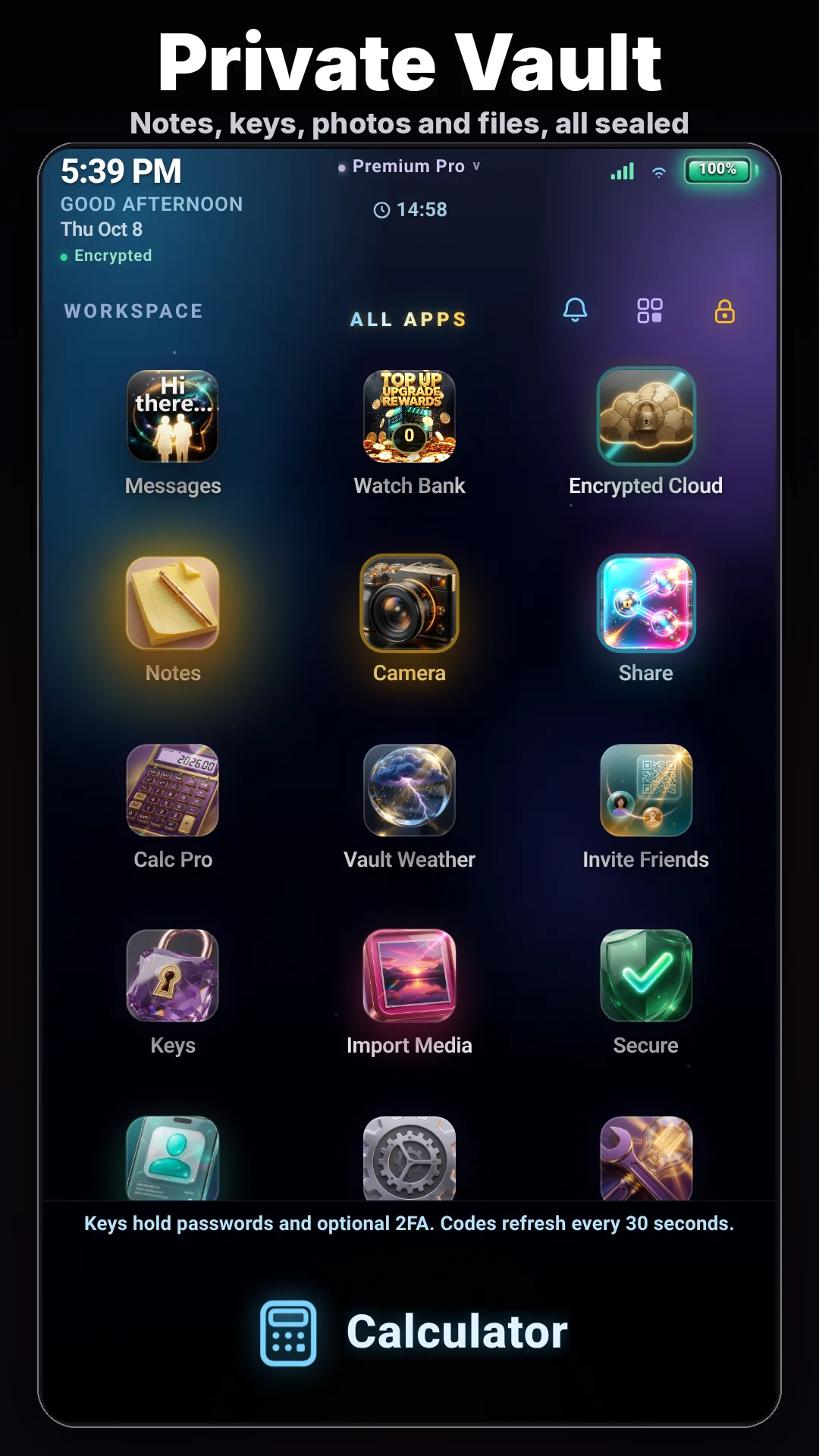
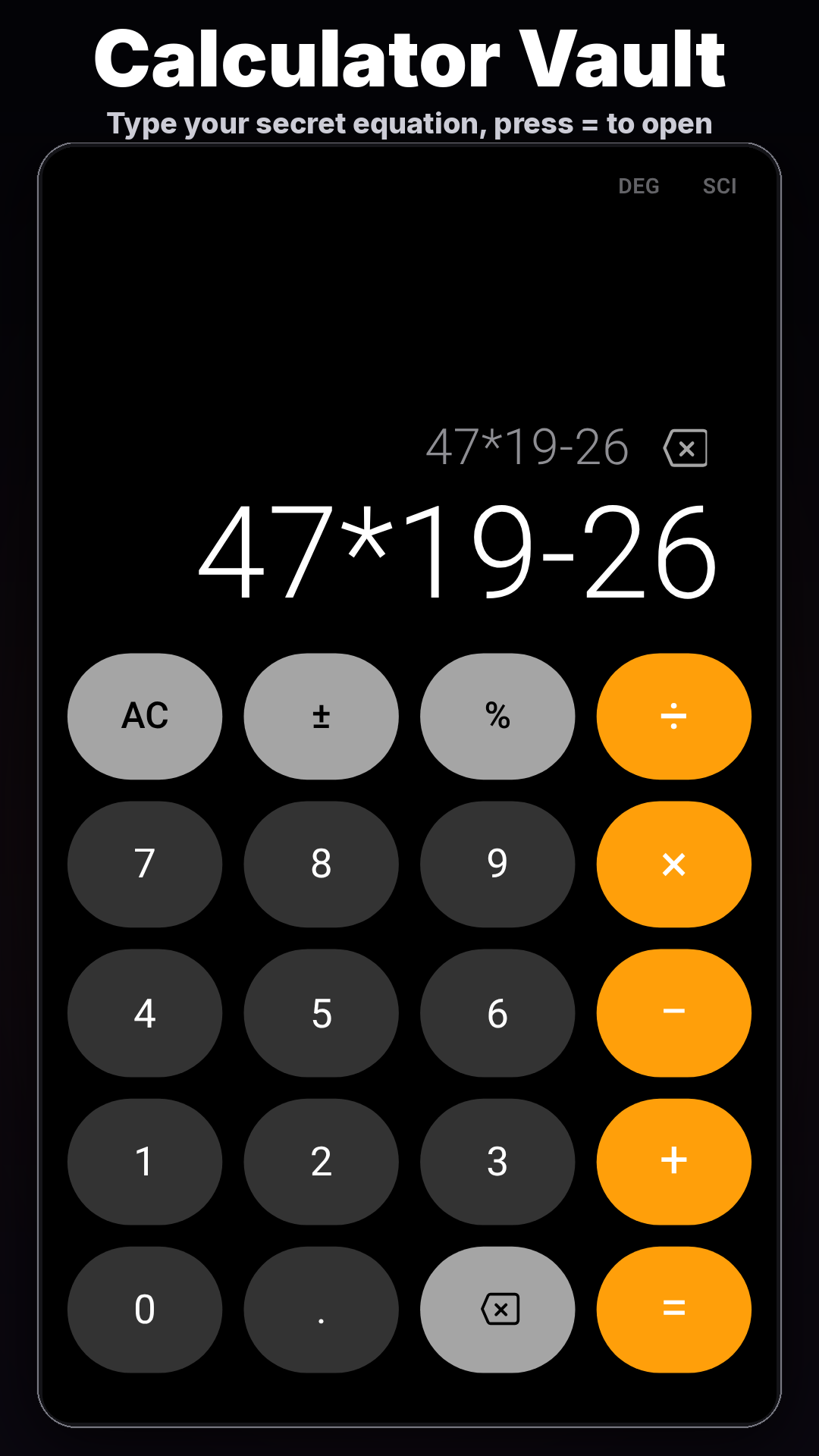
For that last step, our team built Lock It: Calculator Vault. It works as an ordinary calculator. When you type the equation you chose and press =, it opens a private vault for photos, notes, passwords and 2FA keys. It also has private messaging and live calls with only the people you invite.
What it costs: the app is free with ads. Premium Pro is $4.99/month and Offline Vault is a $9.99 one-time purchase.
Whatever tools you use, the goal is the same: your phone should be easy to lend without lending out your personal life.
Search "Lock It: Calculator Vault" on Google Play, or use this link: https://play.google.com/store/apps/details?id=com.appfactory.calculator&referrer=utm_source%3Dpckt%26utm_medium%3Dlisting%26utm_campaign%3Dfree_ads
Disclosure: I'm on the team behind Lock It: Calculator Vault. This post was written with AI assistance and reviewed before publishing.